CWP Cage
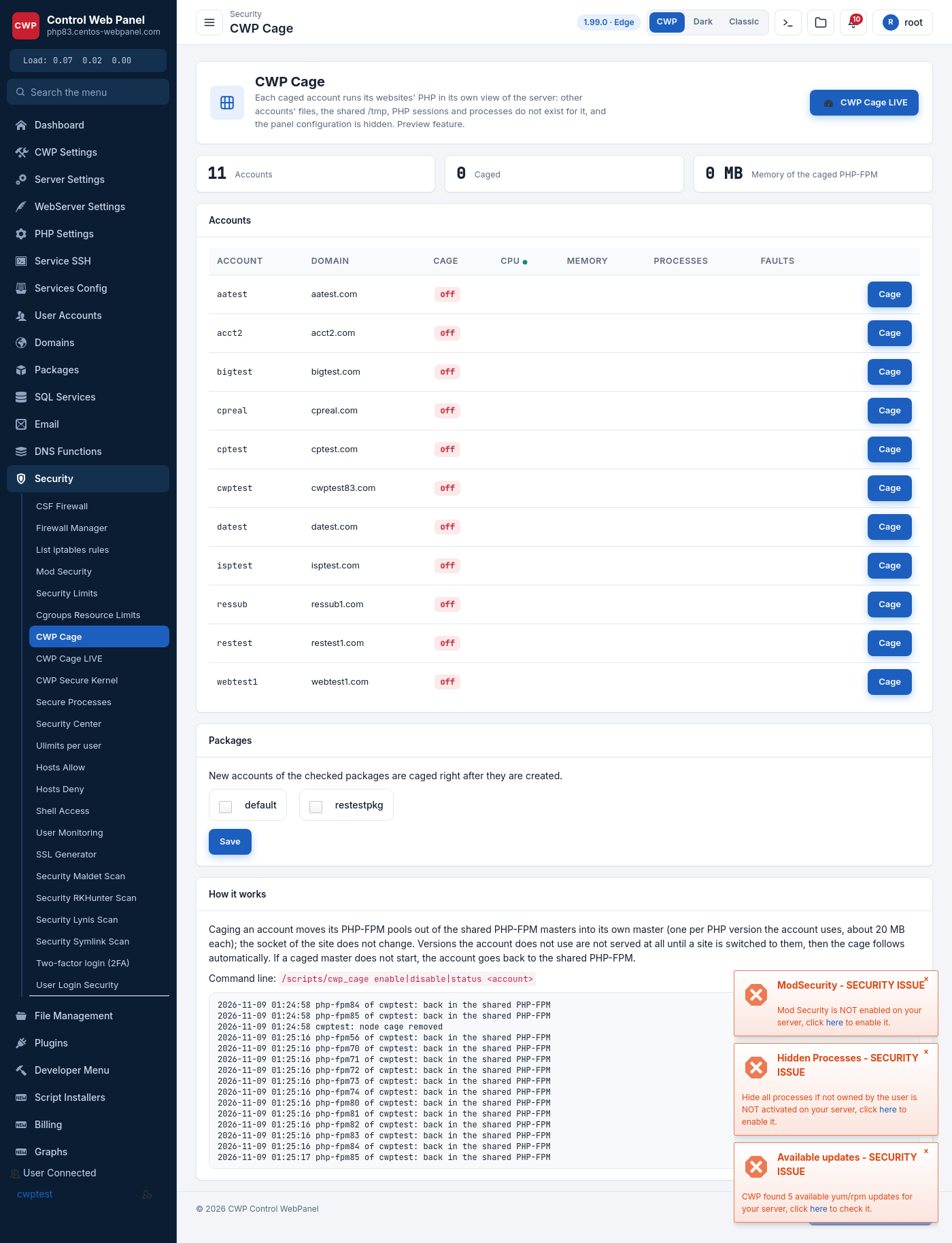
CWP Cage isolates a hosting account’s PHP from the rest of the server. A caged account runs its websites’ PHP in its own view of the machine: other accounts’ files, the shared /tmp, PHP sessions and running processes do not exist for it, and the panel’s own configuration is hidden. It is CWP’s answer to per-account isolation (similar in spirit to CageFS), built on the server’s own process and mount isolation.
Preview feature — enable it on a few accounts first and confirm their sites work before caging the whole server.
Where to find it
Security → CWP Cage in the admin panel.
What the page shows
- Counters — total accounts, how many are caged, and the memory used by the caged PHP-FPM masters.
- Accounts table — every account with its primary domain, whether the cage is on or off, live CPU / memory / processes / faults, and a Cage button to turn isolation on or off for that account.
- Packages — tick the hosting packages whose new accounts should be caged automatically right after they are created, then Save.
How it works
Caging an account moves its PHP-FPM pools out of the shared PHP-FPM masters into its own master (one per PHP version the account actually uses, about 20 MB each). The site’s socket does not change, so nothing in the web server config has to be touched. PHP versions the account does not use are not served at all until a site is switched to them, at which point the cage follows automatically. If a caged master fails to start, the account safely falls back to the shared PHP-FPM, so a site never goes down because of caging.
Inside the cage the account sees only its own home, a private /tmp and its own processes; it cannot read other accounts’ files or the panel’s configuration.
Command line
/scripts/cwp_cage enable|disable|status <account>enable <account>— cage the account.disable <account>— return it to the shared PHP-FPM.status <account>— show whether it is caged and its caged pools.
Notes
- Caging is per account and reversible at any time; disabling it moves the pools straight back to the shared masters.
- Memory grows with the number of caged accounts and the number of PHP versions each one uses (≈20 MB per caged master), so size the server accordingly before caging everything.
- Live resource usage of caged accounts is shown in CWP Cage LIVE.