CWP Billing is a billing system, client area and support desk for hosting providers. It is built for CWP (Control Web Panel) servers: it creates, suspends and removes hosting accounts on your CWP servers, and its CWP module keeps every server in sync with the billing. It replaces WHMCS and imports your WHMCS database: clients keep their passwords, and invoice and ticket numbers stay the same.
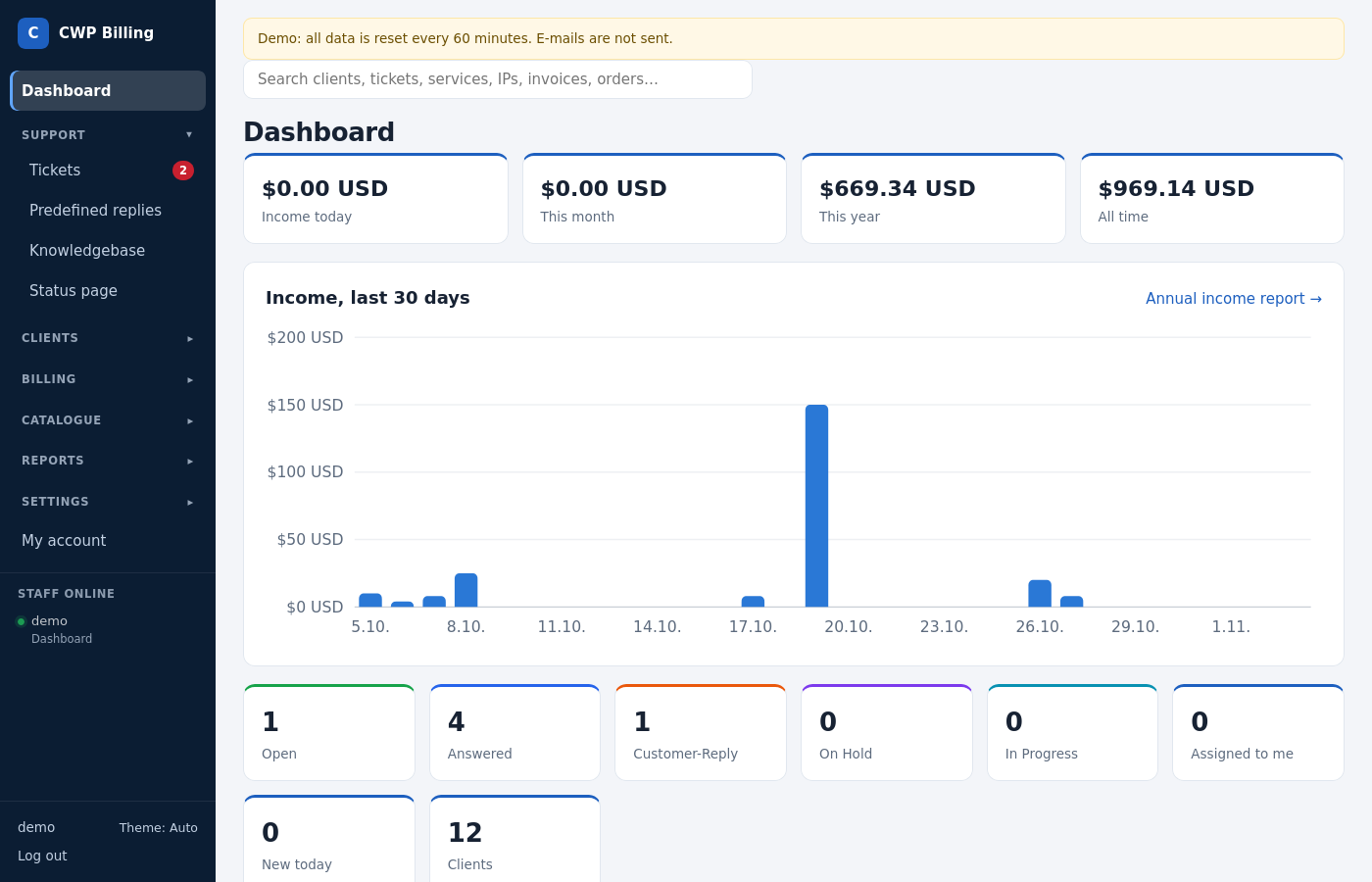
We use the same software ourselves for CWP’s own support and billing.
What it does
Client area
- Services, invoices, payments, saved cards, account credit (add funds)
- Upgrades and downgrades, cancellation requests, domains
- Tickets with attachments, several users per account, two-factor authentication, affiliate program
- 9 languages: English, German, Spanish, French, Croatian, Italian, Portuguese (Brazil), Russian, Turkish
Support desk
- Departments, statuses, priorities and SLA, plus assignment and notes that only staff can see
- Predefined replies, tickets by e-mail (piping), live updates, merge and split, ratings
- An encrypted vault for server passwords that customers send in tickets
Billing
- Products with custom fields and configurable options, add-ons and promotions
- Recurring invoices, reminders, late fees, automatic suspension and termination
- Credit notes and taxes (EU VAT with VIES reverse charge)
- PDF invoices, accounting export, fraud scoring, reminders for abandoned carts
Payments
- Stripe (card data never touches your server), PayPal (Checkout and old Standard subscriptions), Skrill, bank transfer
- Gateway fees, refunds and a reconciliation report
Provisioning
- CWP (with the CWP Billing module on the server), cPanel/WHM, DirectAdmin and Proxmox VE
Domains
- LogicBoxes/ResellerClub, Namecheap or a manual registrar
- TLD pricing and availability checks (RDAP)
Other
- Several brands (sites) from one installation and a public status page
- A staff API, an audit log, a security monitor and reports
Documentation
| Page | What it covers |
|---|---|
| Requirements | PHP, database, ionCube, web server |
| Installation | Upload, installer, cron, web server, e-mail piping |
| Free trial and license | The 15-day trial, license key, what happens when a license ends |
| First steps | Setup checklist after the installation |
| Billing automation | The daily run: renewal invoices, reminders, suspensions |
| Products and orders | Products, configurable options, add-ons, promotions, the store |
| Servers and provisioning | Server modules, server groups, module actions |
| CWP servers and the CWP Billing module | CWP products, packages, pairing, sync, differences |
| Clients and services | Clients, users, services, upgrades, cancellations |
| Invoices, payments and taxes | Invoices, credit, credit notes, taxes, late fees |
| Payment gateways | Stripe, PayPal, Skrill, bank transfer |
| Domains | Registrars, TLD pricing, domain orders |
| Support desk | Departments, tickets, piping, vault, SLA |
| E-mail and mass mail | SMTP, templates, mass e-mails with unsubscribe |
| Staff, roles and security | Roles, 2FA, IP allowlist, audit and login log, security monitor |
| Client area, themes and languages | Themes, languages, brands, knowledgebase, status page, affiliates |
| Reports | Revenue, MRR, gateways, tickets, export |
| Moving from WHMCS | Import, secrets, switch-over |
| Updating | New versions and database updates |
| Staff API | REST API for automation |
| Command line | bin/console commands |
| Configuration reference | config/config.php |
| Troubleshooting | Common problems and fixes |
Try it
- Live demo: https://cwp-billing.control-webpanel.com (admin and client logins are on the CWP Billing page; the demo resets every hour)
- Free trial: install without a license key and the billing runs with all features for 15 days.
- Order a license: https://control-webpanel.com/cwp-billing