The staff API lets scripts and tools work with tickets, services and billing, for example an AI assistant that drafts replies, or your own monitoring. A key acts as the staff member who created it: it has exactly that staff member’s permissions and departments, and replies are posted under their name.
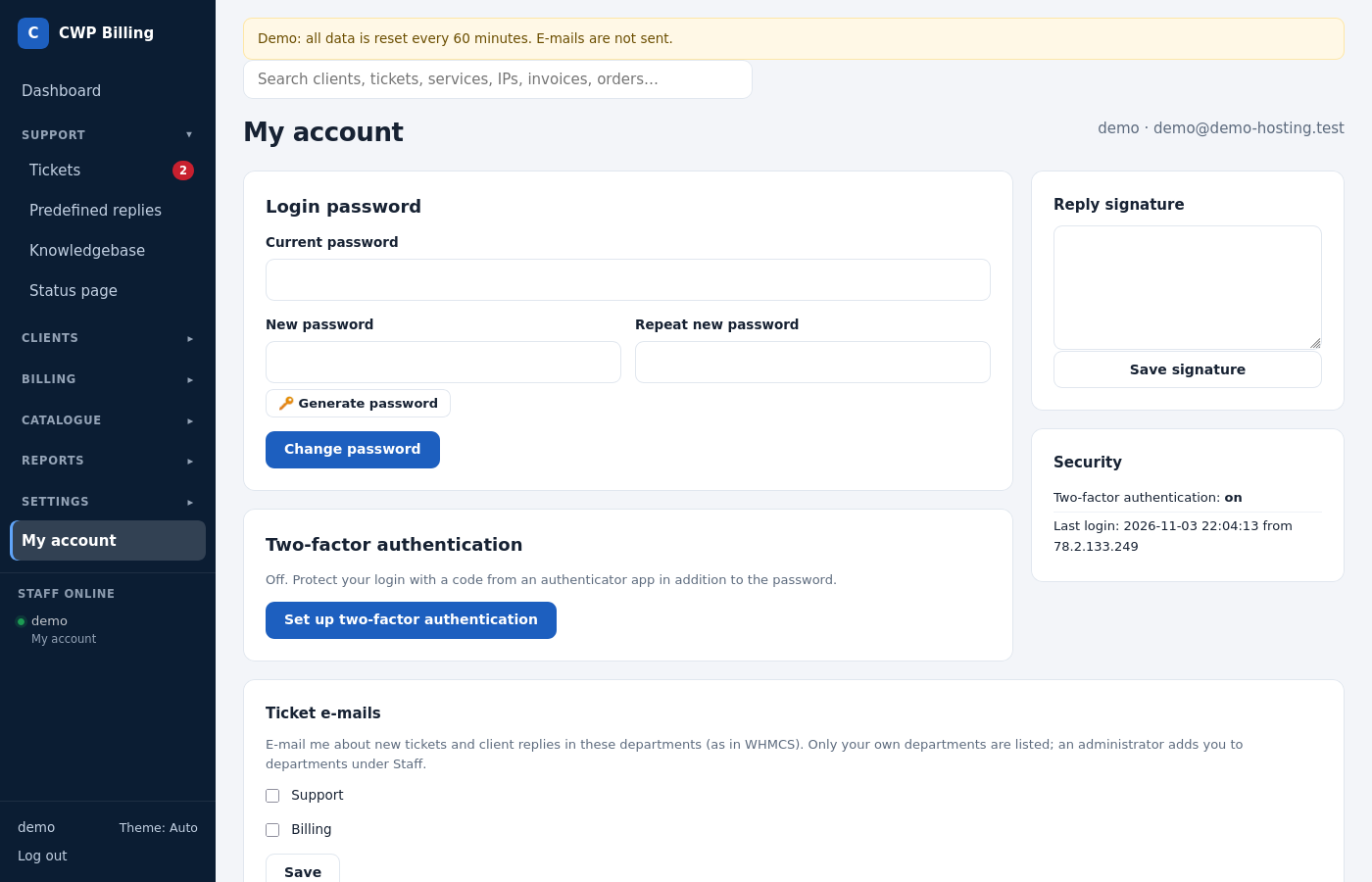
Where to find it: My account → API keys. The role needs the permission Use the staff API.
Keys
- Create a key under My account → API keys, with a name and optionally Only from IPs. The key is shown once. Only its hash is stored.
- Revoke a key at any time. Last used and the last IP are shown.
- Idle alert: for a key that automation uses all the time (for example an AI ticket assistant), set Telegram alert if unused for … min. When the key is not used for that long, the cron sends a Telegram message, repeats it every 2 hours while the key stays quiet, and sends one message when the key is used again. 0 turns the alert off. It needs
telegramin config.php. - Every write and every reveal of a secret is written to the audit log.
- Failed attempts are throttled per IP: after 20 failures, the API answers
429for 15 minutes.
Requests
Base URL: https://billing.example.com/api/v1
curl -H "Authorization: Bearer <key>" https://billing.example.com/api/v1/meRequest bodies can be JSON or form fields. Answers are JSON. Errors come with an HTTP status 4xx and {"error": "…"}.
| Method and path | What it does |
|---|---|
GET /me | The staff member and the permissions of the key |
GET /tickets | Tickets of the key’s departments. Parameters: status (awaiting, active, all or a status name), dept, client, q (ticket number, e-mail or words in subject, messages or client), page, per (1–200, default 50). The answer has page and pages. |
GET /tickets/{id} | The ticket with its messages, notes, client, services, servers and credentials. Use ?by=tid to pass the ticket number instead of the internal ID. This works on every /tickets/{id}/… call. Passwords are not included: credentials and secret server fields come with a secret_id only. |
GET /tickets/{id}/secrets/{sid} | One decrypted secret: a credential of this ticket, or a password field of a service of its client. Needs reveal credentials. Every read is logged and shown to the client, so ask only when you need it. |
POST /tickets | Opens a ticket from staff: department_id, subject, message, and client_id or email (+ name) for someone without an account; optional priority, service_id, operator. A dry run unless execute=1. |
POST /tickets/{id}/reply | message, status (default Answered), operator (the user name to sign as; needs reply in the name of another staff member). A key of an AI/bot account (its role has that permission, or its name says AI, bot or assistant) must always send operator: it never writes to a client under its own name. Files: multipart files[], or JSON attachments: [{"name": "x.zip", "data": "<base64>"}]; at most 5, allowed types and size as for ticket attachments. |
POST /tickets/{id}/note | message: a staff note that only staff see |
POST /tickets/{id}/status | status: changes the status without e-mailing the client |
POST /tickets/{id}/update | status, priority, department_id, assigned_admin_id, client_id (links a guest ticket to a client). Other fields are refused with 422. |
GET /tickets/{id}/attachments/{aid} | Downloads an attachment. |
GET /clients?email=… or ?ip=… | Finds clients (up to 20) by e-mail address (the client’s or one of its users’, exact match) or by an IP address of one of their services or licenses. Each client comes with id, name, company, email, country, status and its services. Needs view clients and view services. |
GET /clients/{id}/services | The client’s services |
POST /services/{id}/password | password, ticket: replaces the stored root password, for example after a client sent the new one. Needs reveal credentials and reply. |
Billing API
Billing actions for scripts of the billing department. They use the same keys; each call needs the role permission named in the table (Staff → Roles):
| Code in the table | Permission in the role |
|---|---|
invoices.view | View invoices and transactions |
invoices.manage | Create and edit invoices, add payments, refunds and credit |
payments.record | Staff API: record payments received outside the gateways (crypto, bank) |
payments.refund | Staff API: refund payments (only within the API refund limits) |
services.manage | Edit services (dates, price, status, custom fields) |
orders.manage | Accept, cancel and mark orders as fraud |
clients.edit | Add and edit clients |
Dry runs
Every POST of the billing API (and POST /tickets) is a dry run by default: the answer describes what would happen ("dry_run": true, "would": [...]) and nothing is changed. Send execute=1 to do it. Executed actions are written to the audit log under the key’s staff member. The limits below are checked by the billing, not by the caller.
{id} of an invoice is the internal ID or the invoice number, if the number is only digits (?by=number forces the number).
| Method and path | What it does | Permission |
|---|---|---|
GET /clients/{id}/billing | Services, unpaid invoices, payments of the last 90 days, saved cards | invoices.view |
GET /invoices/{id} | The invoice with its lines, payments and refunds | invoices.view |
GET /invoices/{id}/pdf | The invoice PDF, as the client gets it | invoices.view |
POST /invoices/{id}/email | E-mails the invoice with its PDF to the client | invoices.manage |
POST /invoices/{id}/cancel | An unpaid invoice becomes Cancelled. | invoices.manage |
POST /invoices/merge | invoice_ids[]: unpaid invoices of one client, nothing paid on them, become one invoice. | invoices.manage |
POST /invoices/{id}/payment | gateway, transaction_id, amount: a payment received outside the gateways (bank, crypto). Paying the invoice extends its services. | payments.record |
POST /invoices/{id}/apply-credit | amount (default: as much as possible): pays from the account credit. The gateway fee is computed again on what is left. | invoices.manage |
POST /invoices/{id}/fee | Computes the gateway fee again on what is left to pay; a fully covered invoice becomes paid. | invoices.manage |
POST /invoices/{id}/writeoff | reason: writes off the small remainder of a partly paid invoice (≤ api_writeoff_max). | invoices.manage |
POST /transactions/{id}/refund | amount (default: what is left), reason, duplicate=1 for a double payment, ticket (the client’s ticket asking for it). Only payments ≤ api_refund_days old (counted to the ticket); a duplicate only up to the overpaid part and ≤ api_refund_duplicate_max. | payments.refund |
POST /clients/{id}/credit | amount, reason, ticket: adds account credit (≤ api_credit_max per client in 30 days). | invoices.manage |
POST /clients/{id}/order | product_id, cycle, optional domain, options ({option_id: value}), notes: a new order with its invoice; the service is set up when it is paid. | orders.manage |
POST /clients/{id}/paymethods/{pm}/delete | Removes a saved card. | clients.edit |
GET /services/{id}/billing | The service, its configurable options (option ID, type, quantity, unit price) and open invoices | invoices.view |
POST /services/{id}/renew | An invoice for the next period; from_today=1 starts it today for a long expired service. | invoices.manage |
POST /services/{id}/cancel | reason; keep_subscription=1 to leave the subscription: the service becomes Cancelled, its unpaid invoices are cancelled. | services.manage |
POST /services/{id}/activate | Pending, Suspended or Cancelled → Active; a cancelled or overdue service only while its paid period runs. | services.manage |
POST /services/{id}/subscription/cancel | Stops the PayPal subscription of the service. | services.manage |
POST /services/{id}/cancel-request | reason, type = end (default, at the end of the paid period) or immediate. Records the client’s cancellation exactly like the client area: the subscription is stopped, the client gets the confirmation e-mail, an unpaid renewal invoice for the next period is cancelled, and the daily run cancels the service on its due date. Use it when a client asks to cancel in a ticket. | services.manage |
POST /subscriptions/{sid}/cancel | reason. Stops a PayPal subscription (I-…) that pays no active service, for example one still charging for a terminated service it is no longer linked to. | services.manage |
POST /services/{id}/ip | ip: moves a license to another server IP (≤ api_ip_changes_per_month; the IP must not be on another active service). A label (domain) that is an IP follows; when the service already has the IP and only the label shows an old IP, the label is corrected (not counted as a move). | services.manage |
POST /services/{id}/cycle | cycle: another billing cycle, with a prorated invoice (applied when paid) or credit. With at_renewal=1 the change starts at the next due date instead: no invoice now, the paid period stays, and the next renewal invoice uses the new cycle (cancel a gateway subscription first). | services.manage |
GET /subscriptions/stale | Services that ended (Terminated, Cancelled, Fraud) but still have a gateway subscription id, with the last payment date: subscriptions that may keep charging. Cancel each with POST /services/{id}/subscription/cancel. | services.manage |
POST /services/{id}/price | Sets the service’s recurring amount to the product’s current price for its cycle (e.g. a service on an older price); unpaid renewal invoices without payments get the new amount. A higher price needs allow_increase=1. | services.manage |
POST /services/{id}/due-date | date (within one billing period), cancel_subscription=1: moves the renewal date; a later date is charged pro rata, an earlier one credited. | services.manage |
POST /clients/{id}/due-dates | services (ids, list or comma separated), date: one renewal date for several services of the client (later dates only, at most one billing period each). One invoice with a prorated line per service; every date moves when it is paid. | services.manage |
POST /services/{id}/quantity | option_id, qty: the same rules as the client’s change. | services.manage |
POST /services/{id}/field | field_id + value sets a custom field (a password field goes to the vault), field_id + clear=1 empties it. | services.manage (+ Receive and reveal customer server credentials for password fields) |
Limits: Billing settings → Staff API limits sets how far a script or AI assistant may go without a person: refunds of payments at most N days old (default 31; 0 = no refunds through the API), the largest refund of a duplicate payment (37), account credit per client in 30 days (15), the largest invoice remainder to write off (2) and license IP changes per service in 30 days (3). Bigger cases are refused with a message to leave them to staff.
Internal tasks
The key sees the same internal tasks as its staff member (their teams, tasks they created or are assigned to). Everything done through the API is marked API on the task.
| Call | What it does | Permission |
|---|---|---|
GET /tasks | status (active = Open, Approved and In progress, default; all; or a status), team, type, assigned (me, none or a staff ID), ticket, q, page, per (1-200). | tasks.view |
GET /tasks/meta | Teams, types, statuses, priorities and staff, with the IDs the other calls take. | tasks.view |
GET /tasks/{id} | The task with its description, comments, changes and attachments. | tasks.view |
POST /tasks | title, description, team_id; optional type, priority, assigned_admin_id (someone else needs tasks.manage), ticket (ID, or the ticket number with ticket_by=tid), client_id, due_date, files ([{"name": "log.txt", "content": "<base64>"}]). | tasks.create |
POST /tasks/{id}/comment | message, optional files. | tasks.create |
POST /tasks/{id}/update | Any of status (Open, Approved, In progress, Resolved; Approved and taking it back need tasks.approve), priority, type, team_id, assigned_admin_id, due_date, title, description. Cancelled is refused: cancelling is done by staff in the admin area. | tasks.manage; the assignee may change only the status with tasks.create |
GET /tasks/{id}/attachments/{aid} | Downloads an attachment. | tasks.view |
curl -X POST -H "Authorization: Bearer <key>" -H "Content-Type: application/json" \
     -d '{"title":"Logo on invoices","description":"Customer asks for ...","team_id":1,"type":"Feature","ticket":"482913","ticket_by":"tid"}' \
     "https://billing.example.com/api/v1/tasks"
Example: reply to a ticket by its number
curl -X POST -H "Authorization: Bearer <key>" -H "Content-Type: application/json" \
     -d '{"message":"Hello, the issue is fixed.","status":"Answered"}' \
     "https://billing.example.com/api/v1/tickets/482913/reply?by=tid"
Example: cancel an invoice (dry run, then for real)
curl -X POST -H "Authorization: Bearer <key>" "https://billing.example.com/api/v1/invoices/153/cancel?by=number"
curl -X POST -H "Authorization: Bearer <key>" -d execute=1 "https://billing.example.com/api/v1/invoices/153/cancel?by=number"
nginx and the Authorization header
With PHP-FPM behind nginx, pass the header to PHP: fastcgi_param HTTP_AUTHORIZATION $http_authorization;. Without it, every call answers 401 invalid API key. Instead of the header, you can send the key as X-Api-Key: <key>.
CWP sync API
The CWP Billing module on your CWP servers uses its own API under /api/v1/cwp/ (pair, ping, accounts, packages, report, event, link, import), with a server token per server. It is used only by the module. See CWP servers and the CWP Billing module.
Common problems
| Answer | Cause |
|---|---|
401 invalid API key | The key is wrong or revoked, or the Authorization header does not reach PHP (nginx, see above). |
403 IP not allowed for this key | The caller’s IP is not in Only from IPs. |
403 the role of this admin has no API permission | The role lacks Use the staff API. |
404 for a ticket | The ticket is in a department the key’s staff member cannot see, or you passed a ticket number without ?by=tid. |
403 permission … missing | The role lacks the permission named in the answer, for example tickets.reply. |
429 too many failed attempts | Wait 15 minutes, then fix the key. |
"dry_run": true and nothing changed | Billing calls and POST /tickets only describe the action until you send execute=1. |