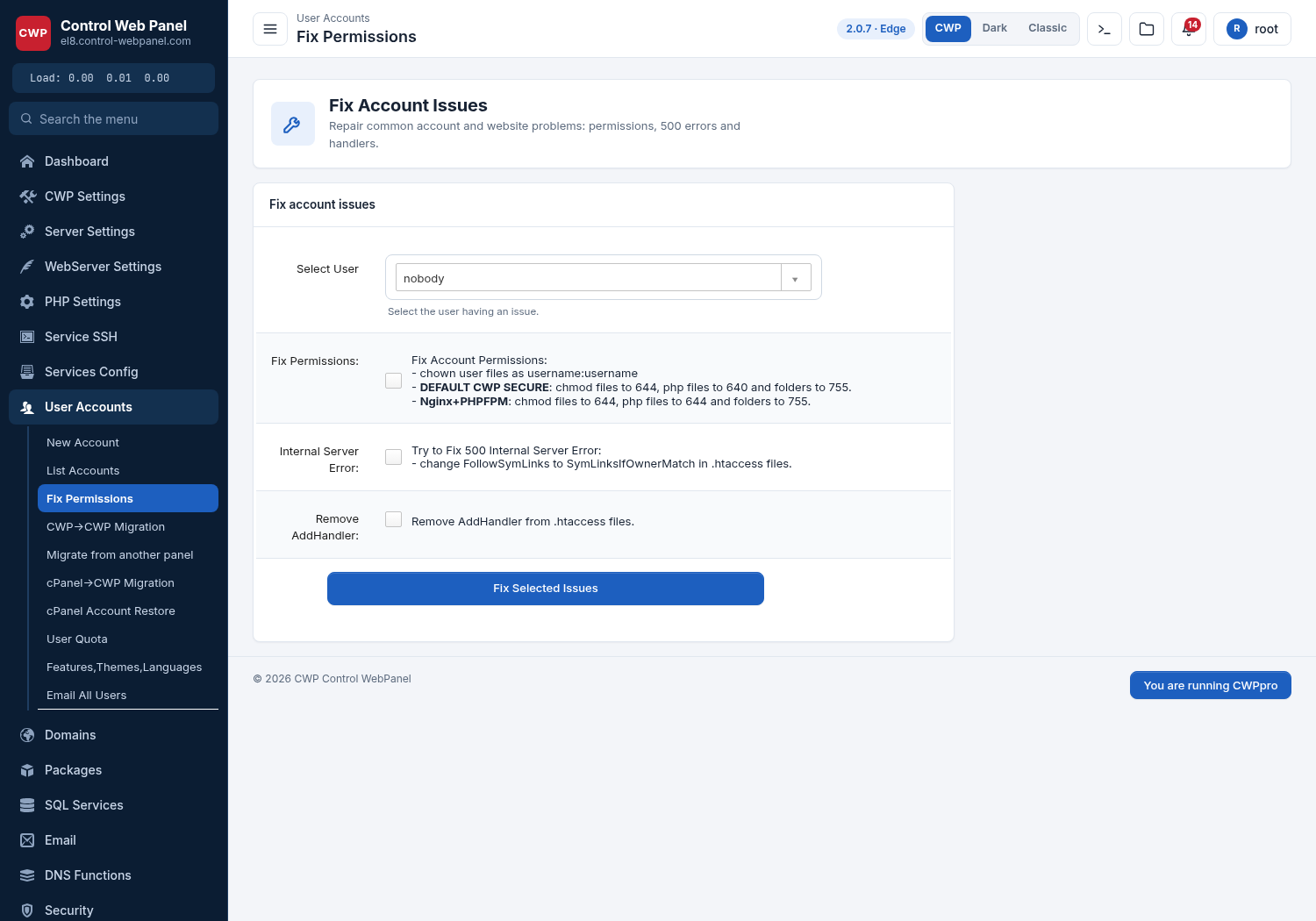
permissions/ownership is very important in CWP hosting account.If something wrong in permission/ownership will cause 500 internal error.
So, CWP have a module to Fix Permission in CWP.
Permissions on all files should also be set to 644 (-rw-r-r-) and folder permission must be 755.
Navigate to
User accounts --> Fix Permission.
Here you can select the user account to fix permission and then click on “Fix Account Permission”