The CWP user panel is where you manage your hosting account: websites, files, databases, email and more. This page explains how to log in, how to recover a forgotten password and what to do if you cannot log in.
Open the login page
Your hosting provider gives you the panel address together with your username and password. It usually looks like one of these:
| Address | Notes |
|---|---|
https://your-server:2083 | Secure (SSL) login — recommended |
http://your-server:2082 | Without SSL; your provider may redirect it to the secure address |
your-server is the server hostname or IP address from your welcome email. Some providers also let you use your own domain, for example https://yourdomain.com:2083.
Log in
- Type your Username. This is your hosting account name (up to 16 characters), not your email address.
- Type your Password.
- Optional: choose the panel language. By the user keeps the language you selected last time.
- Optional: tick Keep session with IP change if your internet connection changes IP address often (mobile networks, some VPNs). Without it, the panel logs you out when your IP address changes, which is safer.
- Click Login.
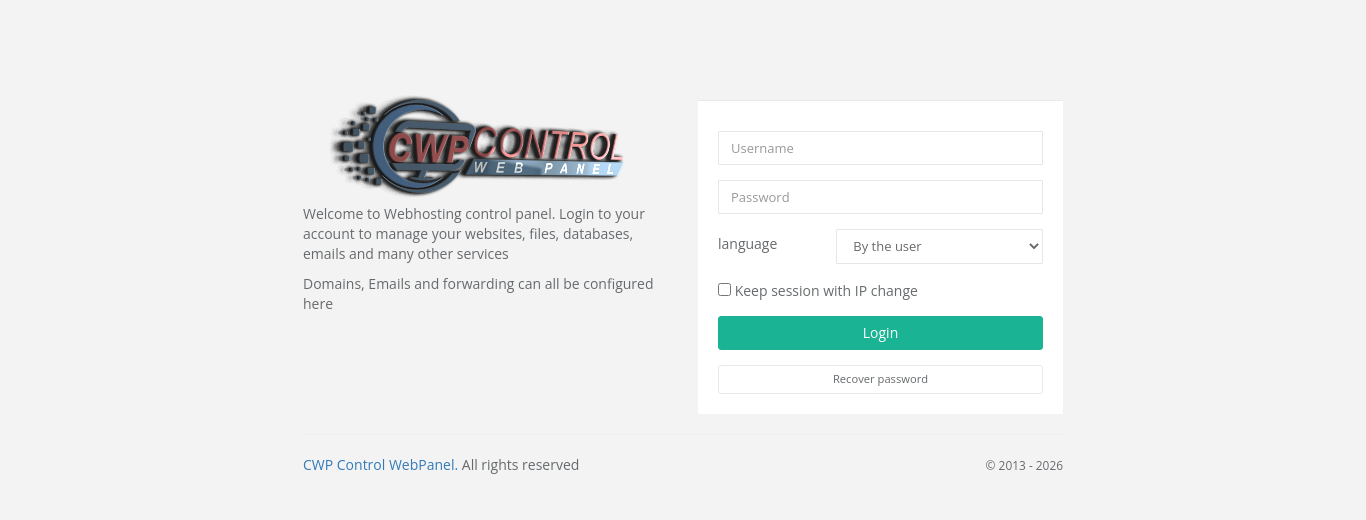
If you have two-factor authentication switched on, the panel now asks for the 6-digit code from your authenticator app. See Two-factor authentication.
Forgot your password?
- On the login page click Recover password.
- Enter your Username and the Email address saved in your hosting account.
- Click Send new password.
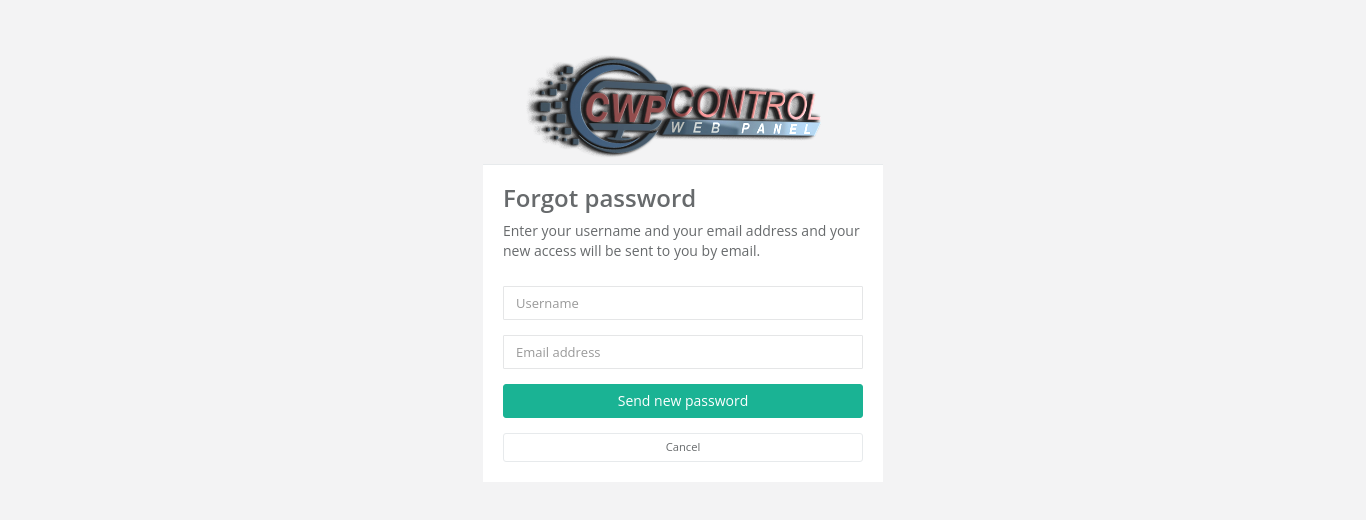
You receive an email with instructions for setting a new password. If it does not arrive within a few minutes, check your spam folder. The username and email address must both match your account, otherwise you see Invalid username & email combination.
Note: If you no longer have access to the email address saved in your account, ask your hosting provider to reset the password for you.
Log out
Click Logout in the top-right corner of the panel. Always log out on shared or public computers.
Common problems
| Message or problem | Cause and solution |
|---|---|
| incorrect access..! / Login failed! | Wrong username or password. The username is the hosting account name, not an email address. Check Caps Lock, or use Recover password. |
| Account Suspended | Your hosting account is suspended, usually because of an unpaid invoice or a policy issue. Contact your hosting provider. |
| User locked or the page stops loading after several attempts | Too many failed logins from your IP address. Wait a few minutes and try again, or ask your provider to unblock your IP. |
| User root Invalid..! | The root account cannot log in to the user panel. Use your hosting account name. |
| You are logged out all the time | Your IP address changes often. Tick Keep session with IP change when you log in, or increase the session time in Account settings. |
| Browser shows a certificate warning | The server uses a self-signed certificate on this port. Ask your provider for the correct secure address. |
| The 2FA code is always rejected | The clock on your phone is wrong. Turn on automatic date and time on the phone. See Two-factor authentication. |