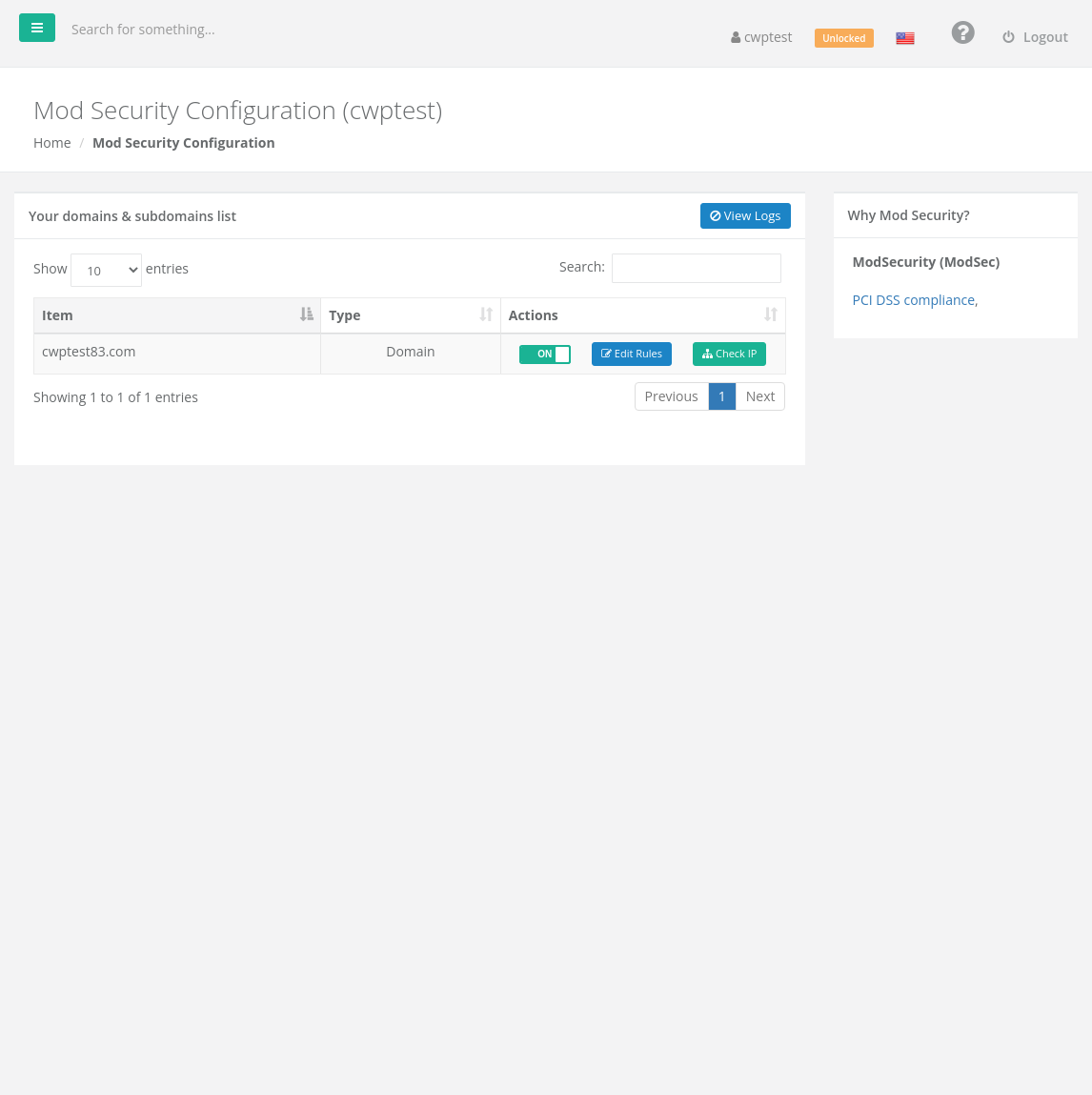
ModSecurity is a web application firewall that blocks common attacks on websites, such as SQL injection, cross-site scripting and malicious bots. On this page you can switch it on or off per domain, check whether your IP address was blocked, and disable individual rules that block something legitimate.
Where to find it: CWP Settings → Mod Security.
Note: ModSecurity must be installed on the server. If you see Unfortunately Mod Security is not installed, only your hosting provider can install it.
Switch ModSecurity on or off
The list shows your domains and subdomains. Use the ON / OFF switch in the Actions column. Keep it ON unless it causes a problem you cannot solve with the steps below.
When a legitimate request is blocked
Symptoms: a form, page editor or admin action returns 403 Forbidden or Not Acceptable, while the rest of the site works.
- Click Check IP for the domain and enter your IP address (search for “what is my IP” if you do not know it). The panel searches the logs for blocks of that IP and shows the rule ID that caused them.
- Click Edit Rules for the domain.
- Under Add Id Rules, enter the rule ID and click Add. The rule is disabled for this domain only.
- Try the action again.
You can also click View Logs to see the latest lines from the error log that mention ModSecurity, with the rule IDs.
Edit Rules has a Basic Editor (list of disabled rule IDs, each can be deleted with Delete Rule) and an Advanced Editor for the raw configuration.
Warning: Only disable rules that actually block your own legitimate actions. Disabling many rules — or switching ModSecurity off — makes your site easier to attack.
Related
- Log Viewer
- Antivirus Scan
- WordPress Manager — security hardening for WordPress