Scripts (Module Addons) installs popular web applications with one form: WordPress, Joomla, Drupal, PrestaShop, Magento, Laravel, Symfony, Nextcloud, ownCloud, Moodle, phpBB, SMF, osTicket, SuiteCRM, Live Helper Chat, WHMCS and more.
Where to find it: Addons → Scripts.
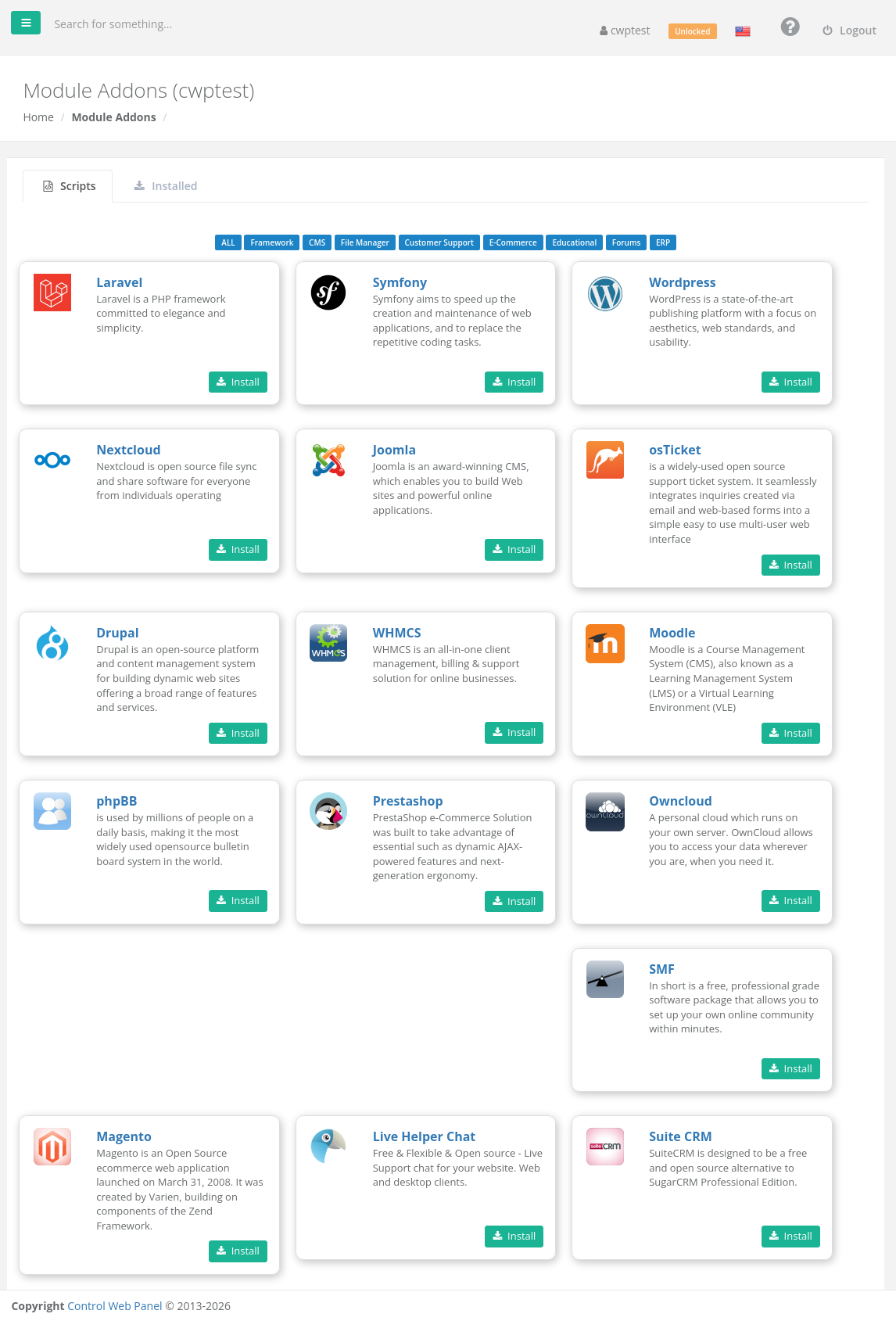
Use the category buttons (Framework, CMS, File Manager, Customer Support, E-Commerce, Educational, Forums, ERP) to filter the list.
Install an application
- Click Install on the application you want.
- Software Setup:
• Choose Protocol — choose HTTPS if the domain has an SSL certificate (AutoSSL), otherwise HTTP.
• Domain — where to install.
• Directory — relative to the domain folder and must not exist yet. Leave it empty to install at the root of the domain, or type for exampleshopto install athttps://example.com/shop.
• Version — if more than one is offered. - Site settings (depending on the application): Site Title, Site Description and Language.
- User Settings: Admin Username, Admin Password and Admin Email Address for the application’s administrator. Keep the password safe.
- Advanced Options (optional): Database Name, Database Username and Database Password. If you leave them as they are, they are created for you.
- Click Install and wait until the installation finishes.
Installed applications
Open the Installed tab to see your installations by application (for example WordPress Installations), with their domain and path. Use Delete to remove an installation.
Note: For WordPress, WordPress Manager offers many more tools (updates, security, backups, cloning). Applications you install here are your responsibility to keep up to date — update them regularly from their own admin area.
Common problems
| Problem | Solution |
|---|---|
| The directory already exists | Choose another directory name, or delete the old folder first. |
| Passwords do not match / required fields | Fill in all user settings correctly. |
| Installation fails | You may have reached the database limit of your package, or the File System Lock is on. Check also that the chosen PHP version meets the application’s requirements in the PHP Selector. |