Spam Expert connects your domains to SpamExperts, an external spam and virus filtering service. When it is active, incoming mail for your domain passes through the SpamExperts filter before it reaches your mailboxes.
Where to find it: Email Accounts → Spam Expert.
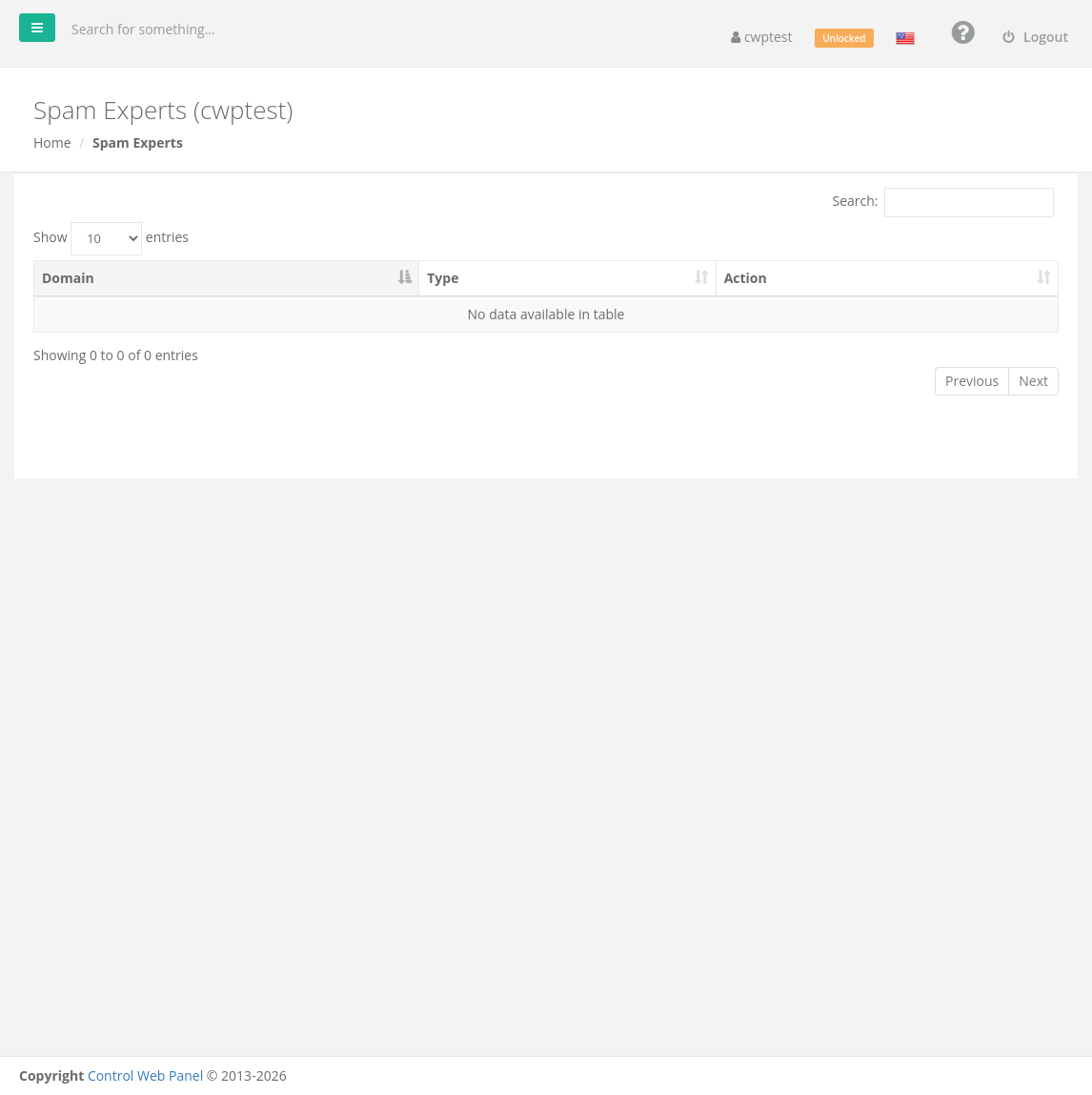
Note: This feature is only available if your hosting provider has a SpamExperts subscription and has connected it to the server. If the list is empty, ask your provider whether SpamExperts is offered.
Using it
The list shows your domains with their Type (main domain or addon domain) and an Action column.
- Click Login next to a domain to open the SpamExperts control panel for that domain, already logged in. There you can view quarantined messages, release false positives, and manage allow and block lists.
When a domain is protected by SpamExperts, its MX records point to the SpamExperts servers. Do not change them in the DNS Zone Editor unless you want to stop using the service.