An autoresponder automatically replies to incoming messages — for example an out-of-office message while you are on holiday, or a confirmation that a support request was received.
Where to find it: Email Accounts → AutoResponder.
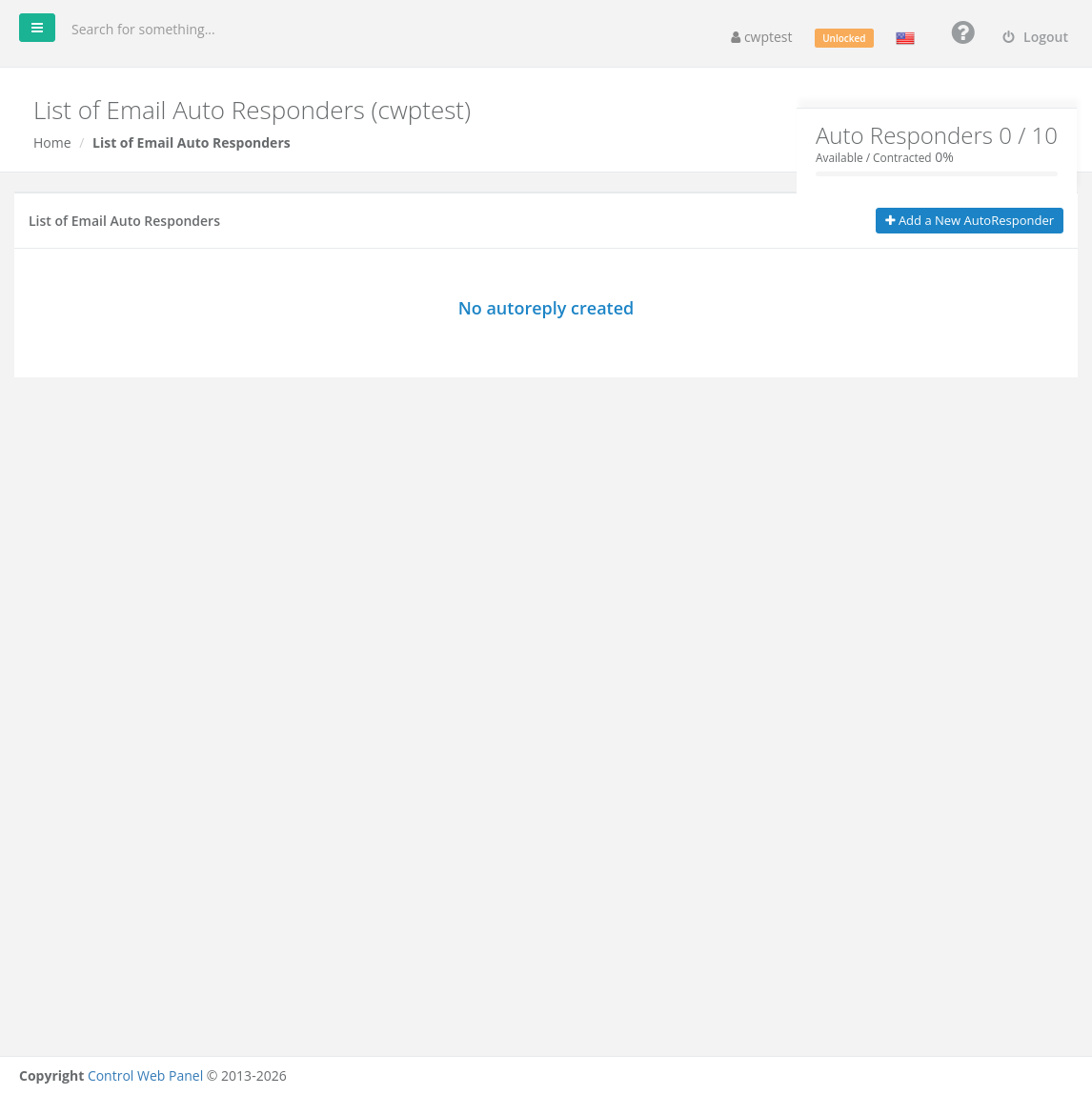
The box at the top shows how many autoresponders you have compared with your package limit.
Create an autoresponder
- Click Add a New AutoResponder.
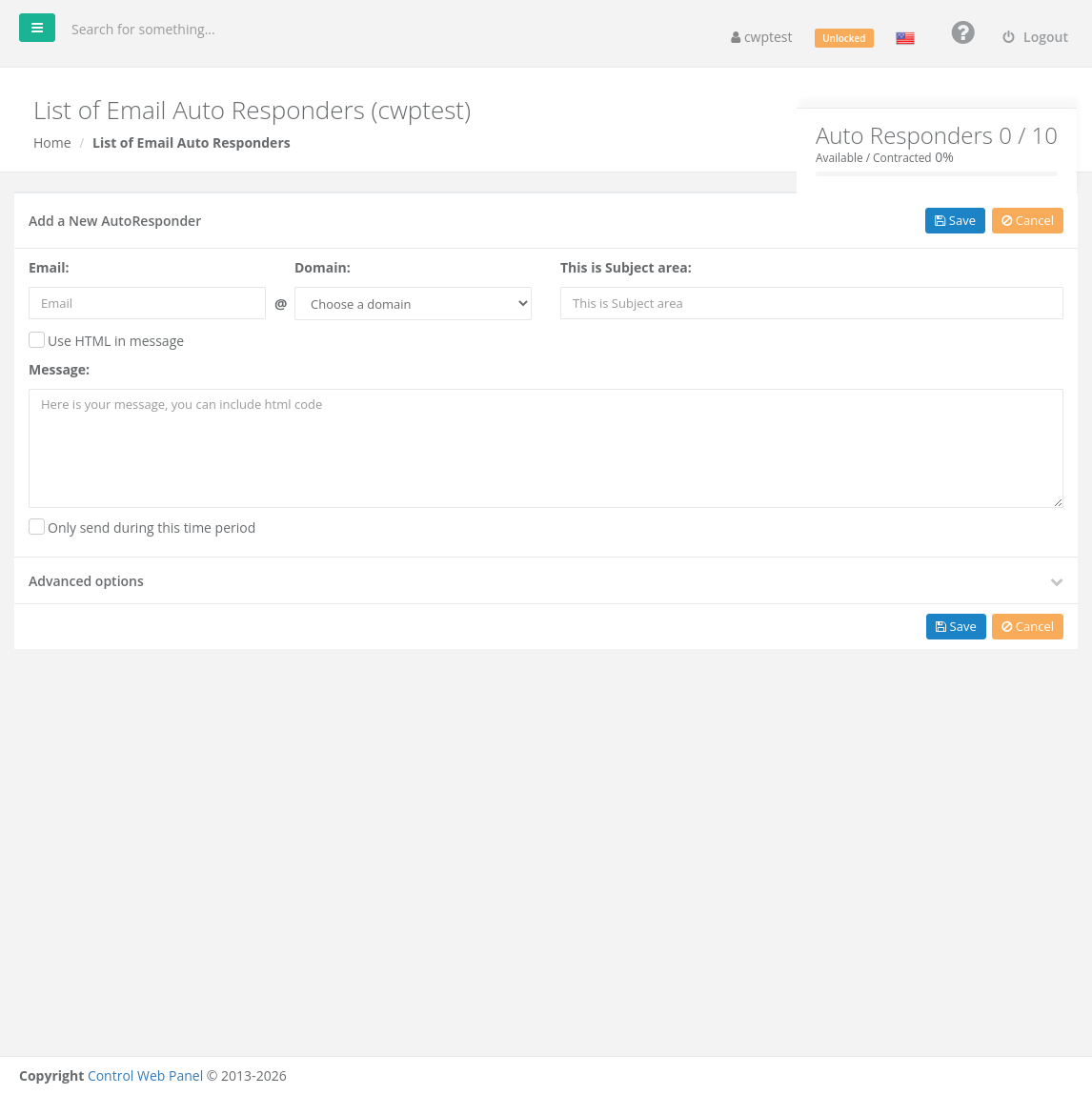
- Email and Domain: the mailbox that should send the automatic reply.
- Subject: the subject of the reply, for example Out of office until 15 August.
- Message: the text of the reply. Tick Use HTML in message if you want to use HTML formatting.
- Optional: tick Only send during this time period and set the Start date / Starting time and End date / Ending time. Outside that period no replies are sent — perfect for holidays.
- Optional: open Advanced options (see below).
- Click Save.
The autoresponder becomes active immediately (unless a time period is set). Each mailbox can have only one autoresponder.
Advanced options
| Option | What it does |
|---|---|
| Reply interval | How often the same sender gets a reply: Reply Everytime, Reply Once in a day, Reply once in vacation period, or a custom interval in hours. Once in a day is a good default and prevents reply loops. |
| From name | The sender name shown in the reply |
| Charset | Character encoding of the reply. Keep the default (UTF-8) unless you have a reason to change it. |
Manage autoresponders
The list shows the address, subject and domain of each autoresponder. Use Edit to change it, Active / Suspend to switch it on or off without deleting it, and Delete to remove it.
Common problems
| Message or problem | Solution |
|---|---|
| Email already has an auto reply | Edit the existing autoresponder for that mailbox. |
| No reply is sent | Check that the autoresponder is active and the time period (if set) includes today. With Once in a day, a sender who already got a reply today gets no new one. |
| Replies are sent to mailing lists or spam | Use Reply Once in a day or the vacation period option to limit replies. |
| Suspended by the administrator | Your provider suspended it. Contact them. |