Webmail lets you read and send email from any browser, without setting up an email app. CWP uses Roundcube webmail.
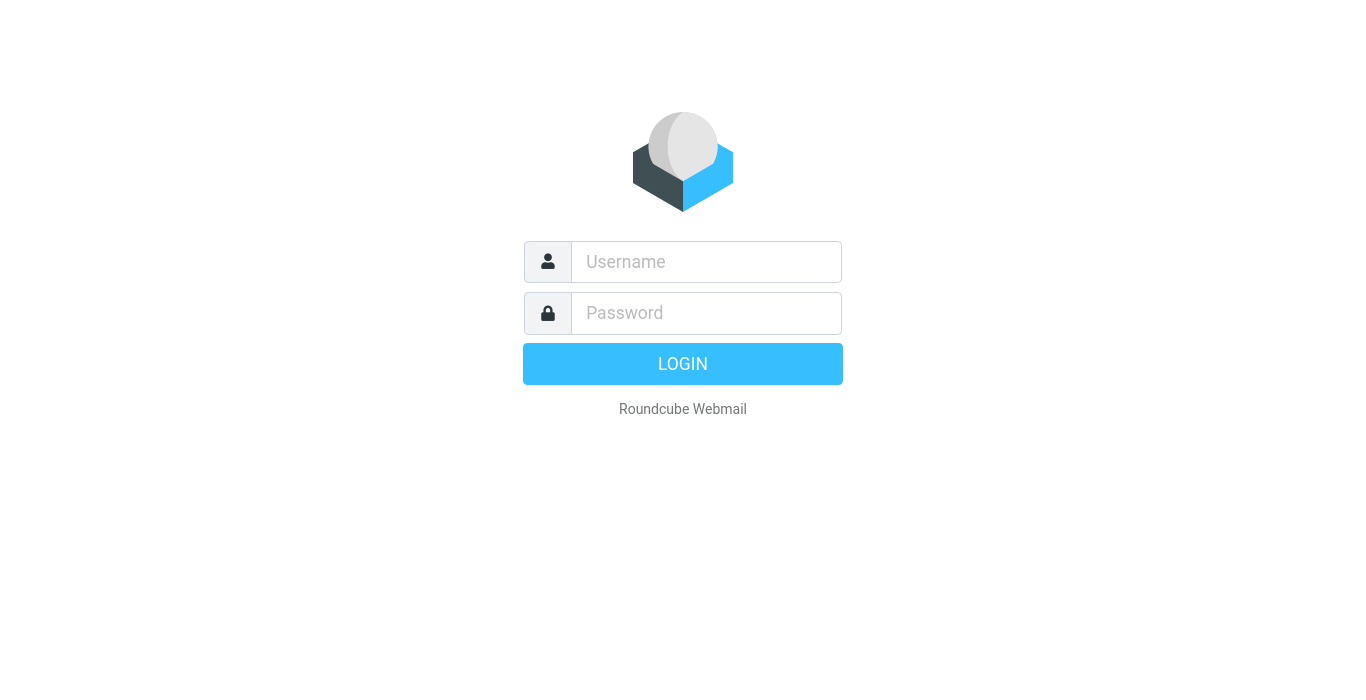
Open webmail
There are three ways:
- From the panel, without a password: go to Email Accounts and click the orange envelope (Autologin) next to a mailbox. Roundcube opens in a new tab, already logged in.
- From the panel menu: the Webmail / Roundcube link opens the webmail login page.
- Directly: open
https://your-server:2031/roundcube/or, if your provider set it up,https://webmail.yourdomain.comorhttps://yourdomain.com/webmail.
On the login page, enter the full email address as Username and the mailbox password.
Using Roundcube
| Task | How |
|---|---|
| Write an email | Click Compose. Attach files with Attach or by dragging them into the window. |
| Folders | Inbox, Drafts, Sent, Junk and Trash are on the left. Create more under Settings → Folders. |
| Signature | Settings → Identities → choose your address → add a signature. |
| Out-of-office reply | Use Autoresponders in the panel. |
| Filters / rules | Use Email Filters in the panel, or Settings → Filters in Roundcube if available. |
| Contacts | Contacts in the top menu. You can import contacts from a .vcf or .csv file. |
| Change the mailbox password | In the panel: Email Accounts → green key. |
Tips
- Empty Trash and Junk regularly — they count towards your mailbox quota.
- Webmail and your email apps show the same messages when your apps use IMAP.
- Log out when you use a shared computer.
Common problems
| Problem | Solution |
|---|---|
| Login failed | Use the full email address as the username and check the password. If you forgot it, set a new one in Email Accounts. |
| Cannot send — SMTP error | The mailbox may be suspended, or sending limits were reached. Check in Email Accounts or ask your provider. |
| Mailbox is full | Delete old messages, empty Trash, or raise the quota in Email Accounts. |
| Browser shows a certificate warning | Use the address your provider gave you; the server certificate may not cover other names. |