A subdomain is a name in front of one of your domains, such as blog.example.com or shop.example.com. Each subdomain can be a separate website with its own folder.
Where to find it: Domains → Subdomains.
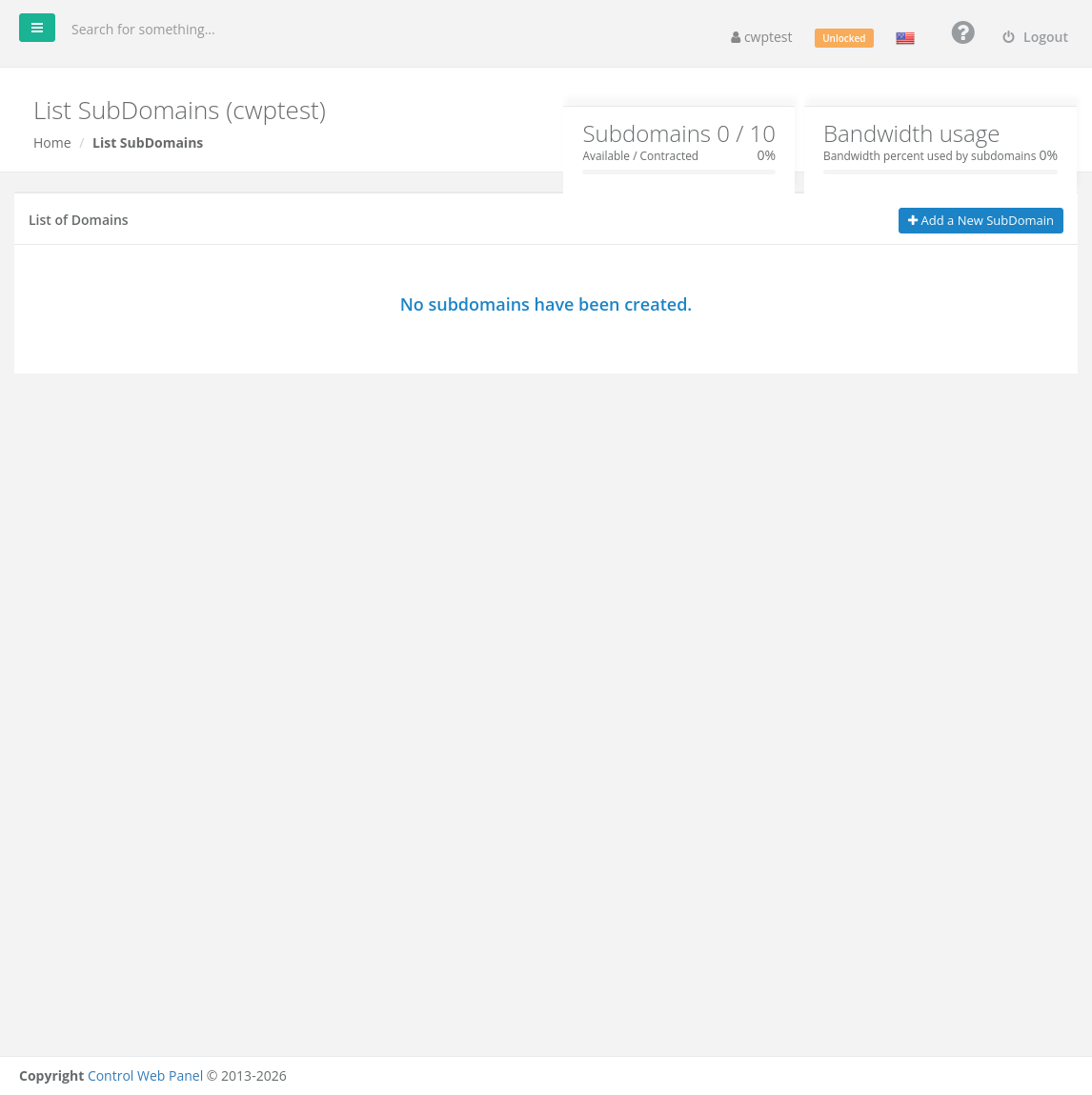
The boxes at the top show how many subdomains you have compared with your package limit, and how much of your bandwidth subdomains use.
Create a subdomain
- Click Add a New SubDomain.
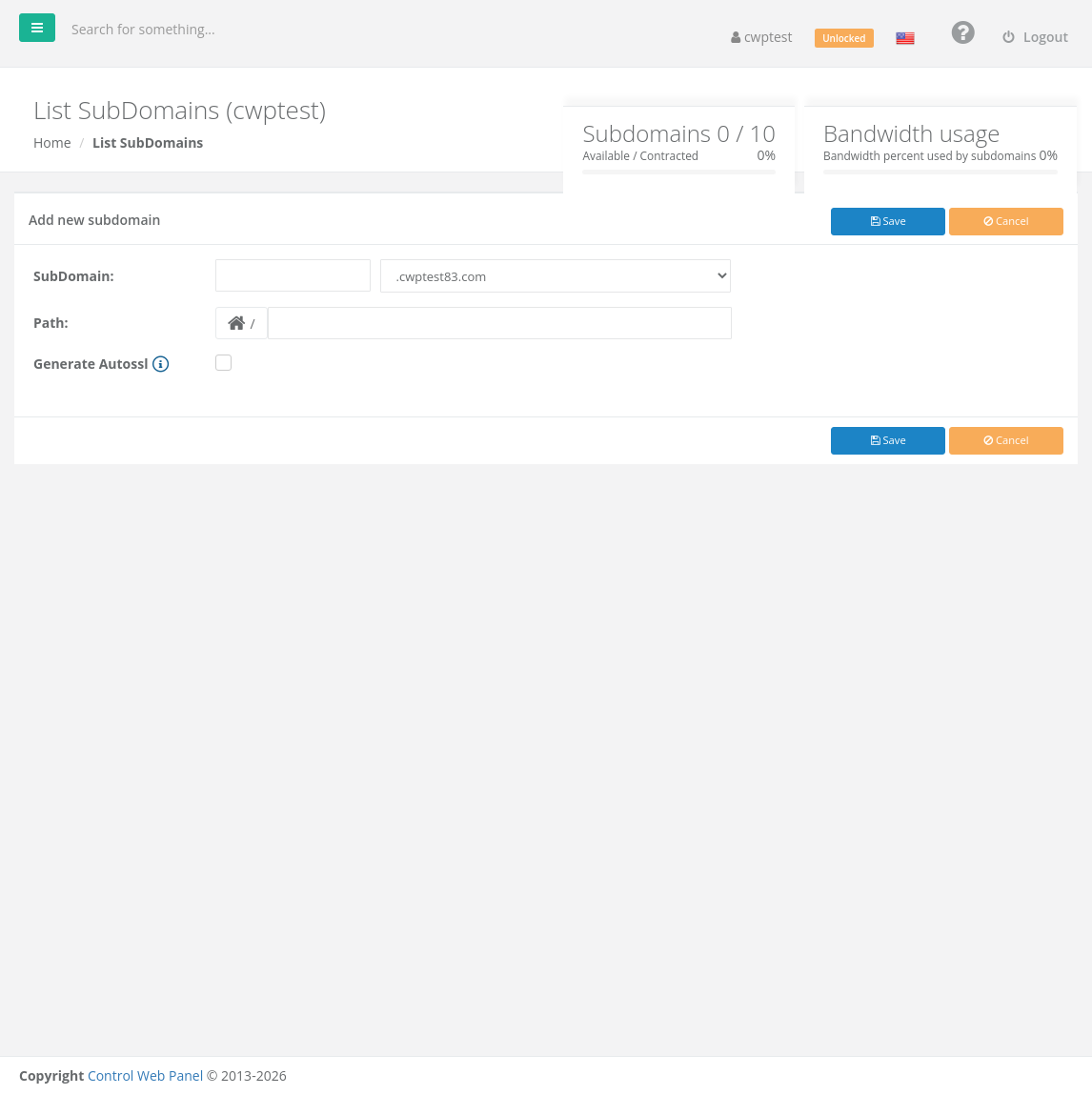
- SubDomain: type the name, for example
blog, and choose the domain from the list next to it. - Path: the folder for the subdomain’s files, relative to your home folder, for example
public_html/blog. Click the folder button to choose an existing folder. - Optional: tick Generate Autossl to install a free SSL certificate at once. The subdomain must already resolve to this server.
- Click Save.
If the parent domain has a wildcard SSL certificate, you are offered I want to use Wildcard SSL instead of AutoSSL.
If this server hosts your DNS, the DNS record for the subdomain is created automatically. If your DNS is hosted elsewhere, add an A record for the subdomain pointing to the server IP.
Delete a subdomain
Click Delete next to the subdomain and confirm. The files in its folder are not deleted.
Common problems
| Message | Solution |
|---|---|
| A registered subdomain with this name already exists | Choose another name. |
| Reserved word | Some names are reserved by the server (for example mail, ftp, www, webmail, cpanel). Choose another name. |
| Subdomain quota exceeded | You reached the subdomain limit of your package. |
| Subdomain created successfully, however SSL can’t be created due to redirection problems | The subdomain does not resolve to this server yet, or a redirect in .htaccess blocks validation. Add SSL later in AutoSSL. |