The Domains page lets you host additional websites in your account, each with its own domain name — these are called addon domains. Your main domain was set up when the account was created and is not listed here.
Where to find it: Domains → Domains.
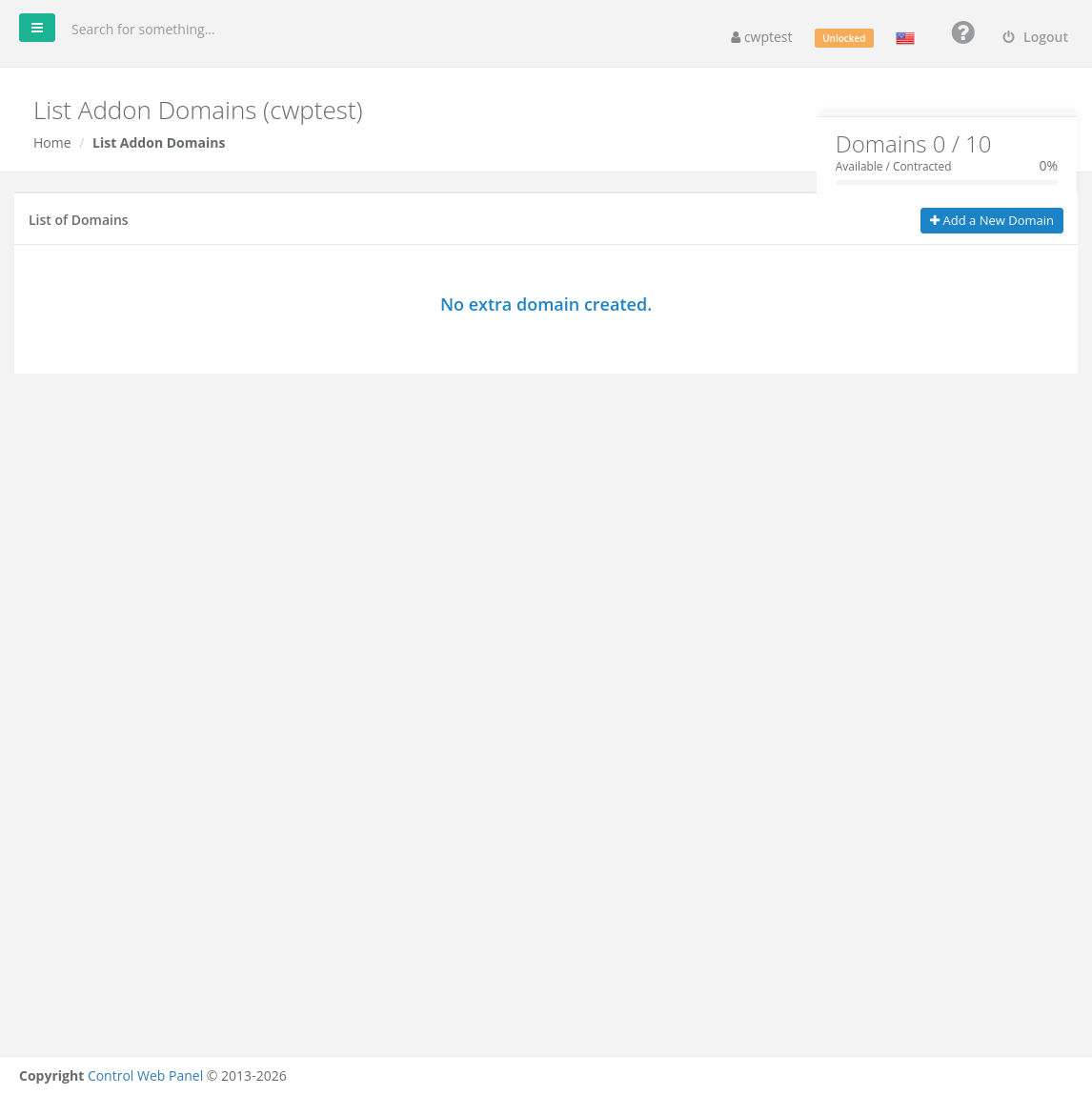
The box at the top shows how many addon domains you have and how many your package allows, for example Domains 0 / 10.
Before you start
Register the domain with a registrar and point it to this server:
- If this server hosts your DNS, set the domain’s nameservers at your registrar to the ones shown on the Dashboard under Server Information.
- If your DNS is hosted elsewhere, create an A record for the domain (and for
www) pointing to the Server IP shown on the Dashboard.
DNS changes can take from a few minutes up to 24–48 hours to work everywhere.
Add a domain
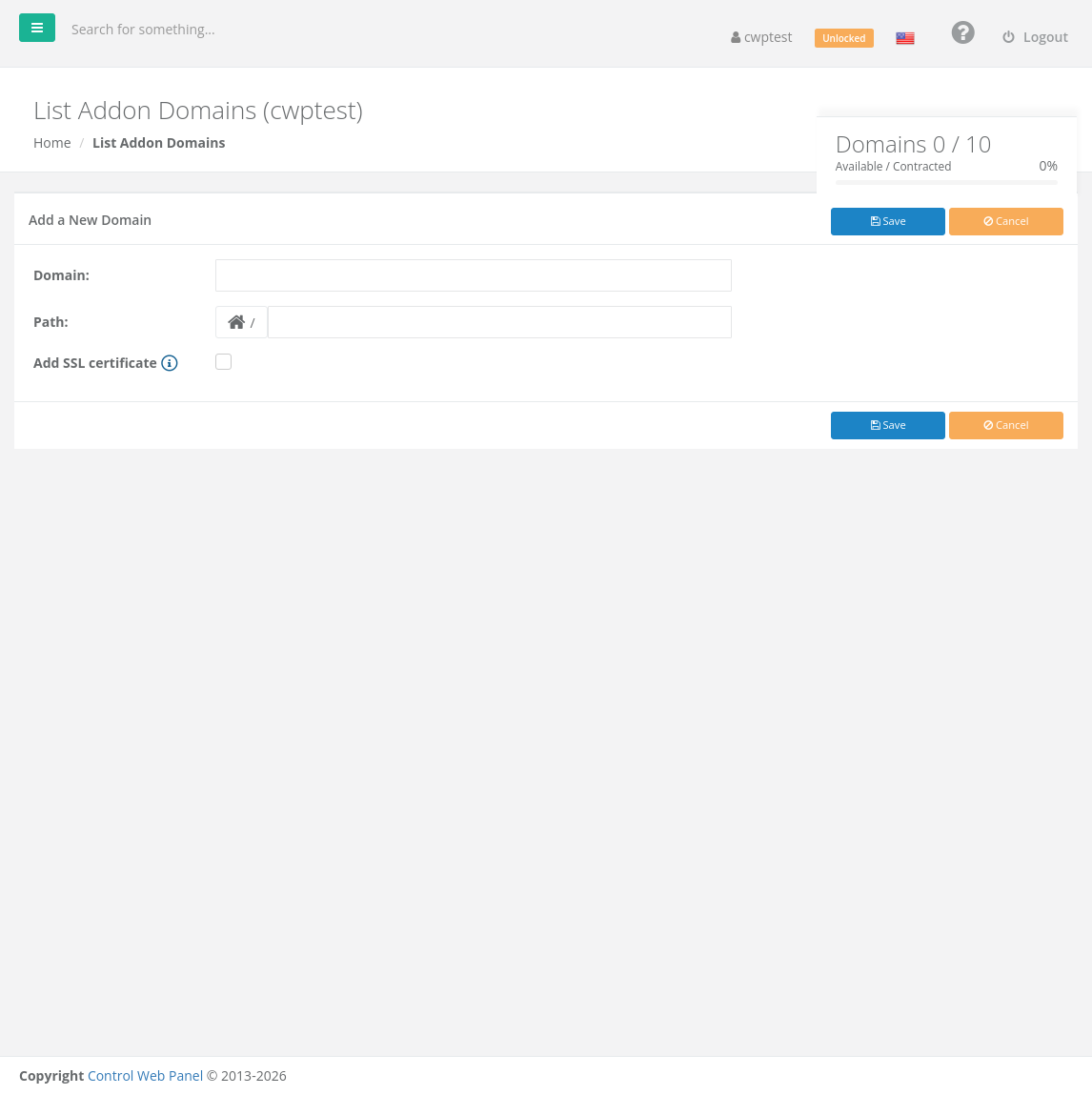
- Click Add a New Domain.
- Domain: type the domain without
http://orwww, for exampleexample.org. - Path: the folder for the website files, relative to your home folder. Leave the suggested path or click the folder button to choose another one — for example
public_html/example.org. The folder is created if it does not exist. - Optional: tick Add SSL certificate to get a free AutoSSL (Let’s Encrypt) certificate right away. This only works if the domain already points to this server.
- Click Save.
Upload the website files into the chosen folder with the File Manager or FTP. Email for the new domain is managed in Email Accounts, and its DNS records in the DNS Zone Editor.
The domain list
Each row shows the Domain, its Path, whether it has an SSL certificate (padlock icon), the bandwidth it used, and an Action column. Domains without SSL show This domain is not secured with an SSL certificate; click the icon to add one.
Delete a domain
Click Delete in the row and confirm. Subdomains of that domain are deleted too — the confirmation lists them.
Note: Deleting a domain does not delete its files, databases or mailboxes. Remove them separately if you no longer need them.
Common problems
| Message or problem | Solution |
|---|---|
| A domain with the same name already exists | The domain is already in this or another account on the server. Contact your provider if it is not yours. |
| Invalid domain name / Incorrect format | Type only the domain, for example example.org — no http://, www, slashes or spaces. |
| Domain limit exceeded / Add button disabled | You reached the addon domain limit of your package. |
| The site shows the default page or another site | DNS does not point to this server yet, or the files are in a different folder than Path. |
| SSL could not be added | The domain must already point to this server. Add the certificate later in AutoSSL. |