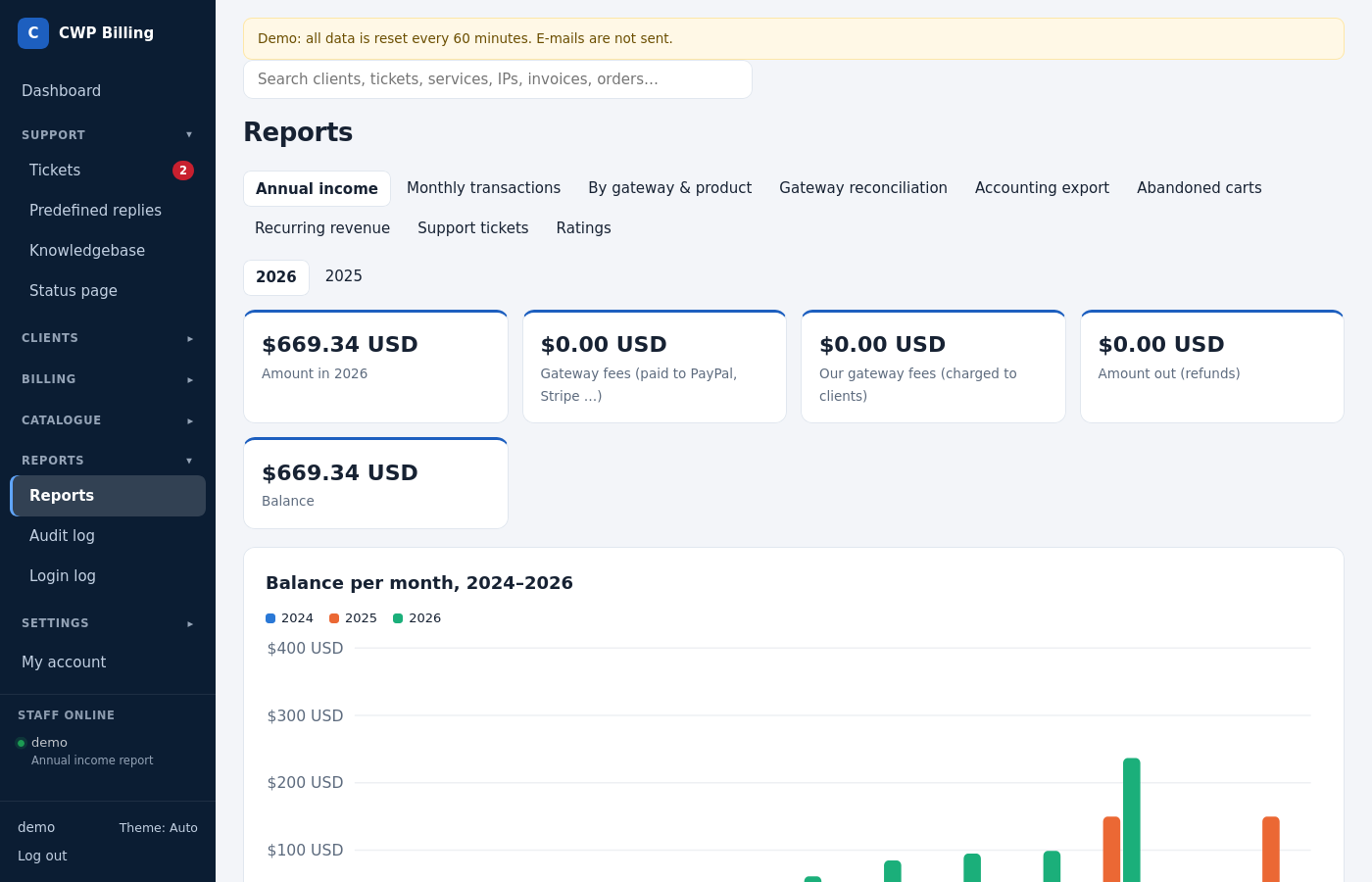
Reports show income, recurring revenue, payments per gateway and product, and support statistics. The accounting export gives your accountant one month of invoices, payments and credit notes.
Where to find it: Reports in the left menu. Staff need the permission Reports.
| Report | What it shows |
|---|---|
| Annual income | Balance per month: amount in, minus gateway fees, minus amount out (refunds), like the WHMCS income reports |
| Monthly transactions | Amount in, refunds and balance per day of a month |
| By gateway & product | Income split by payment gateway and by product |
| Gateway reconciliation | Rejected or failed callbacks, invoices paid more than once, Stripe payments without a transaction. See Payment gateways. |
| Accounting export | One month of issued invoices, payments and credit notes as CSV (UTF-8, opens in Excel) |
| Abandoned carts | Clients who opened an order page and did not order, per product, with the reminder e-mails sent (at most one per client in 7 days) |
| Recurring revenue | MRR (monthly recurring revenue) by product, with active and paid-up services and gateway subscriptions |
| Support tickets | Ticket replies per staff member and ticket activity per day |
| Ratings | Reply ratings per staff member, and the low ratings (1–2 ★) to follow up |
The dashboard shows:
- the tickets awaiting a reply, assigned to you, and over the SLA;
- new clients and income today, this month and this year;
- the income of the last 30 days;
- the Automation overview with the state of the cron job.
Every export is recorded in the audit log.