The client area is the part of the billing your customers see: the store, their services, invoices, domains and tickets, the knowledgebase and the status page. You can give it your own look with a theme, use it in 9 languages, and run several brands from one installation.
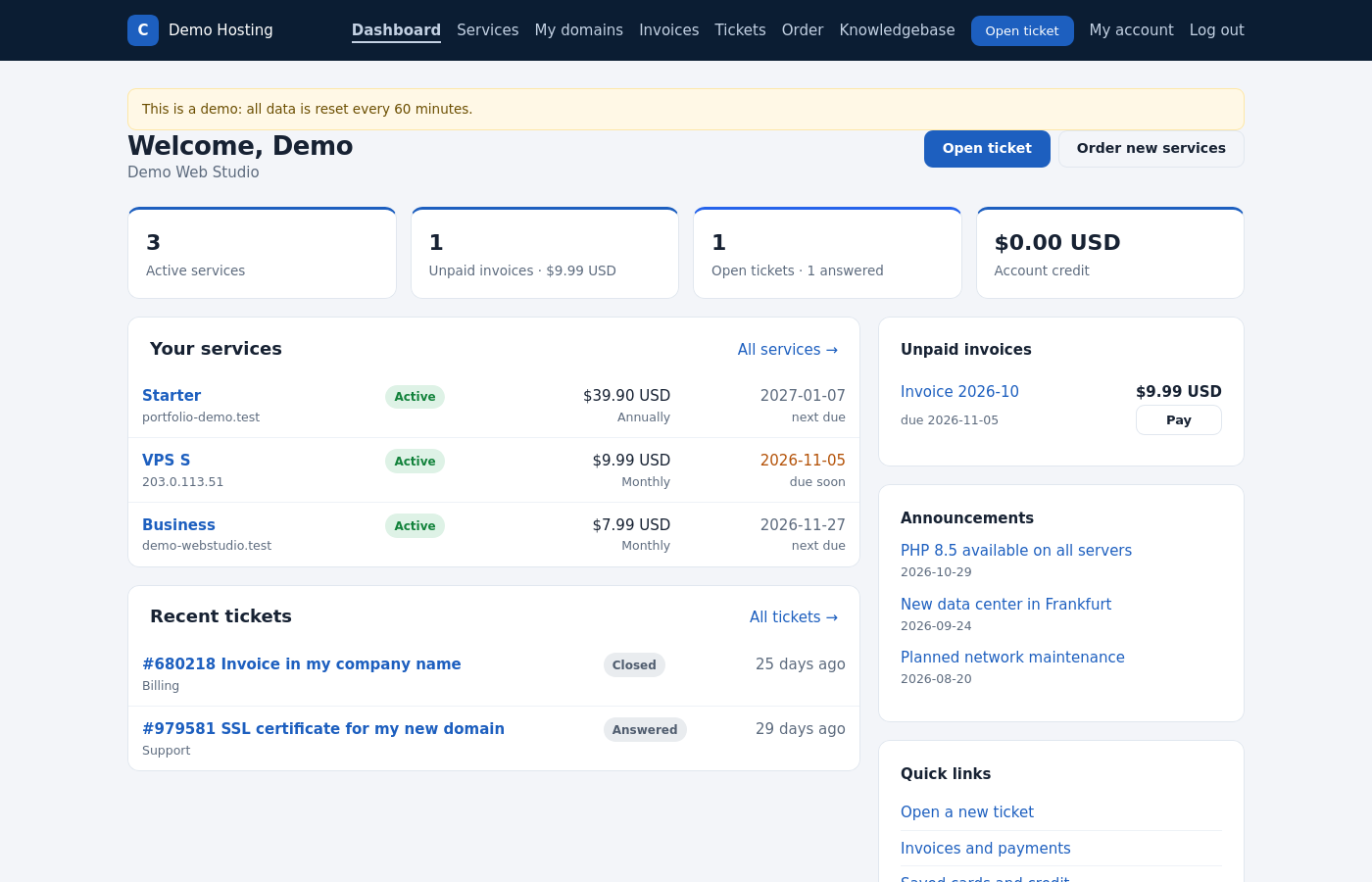
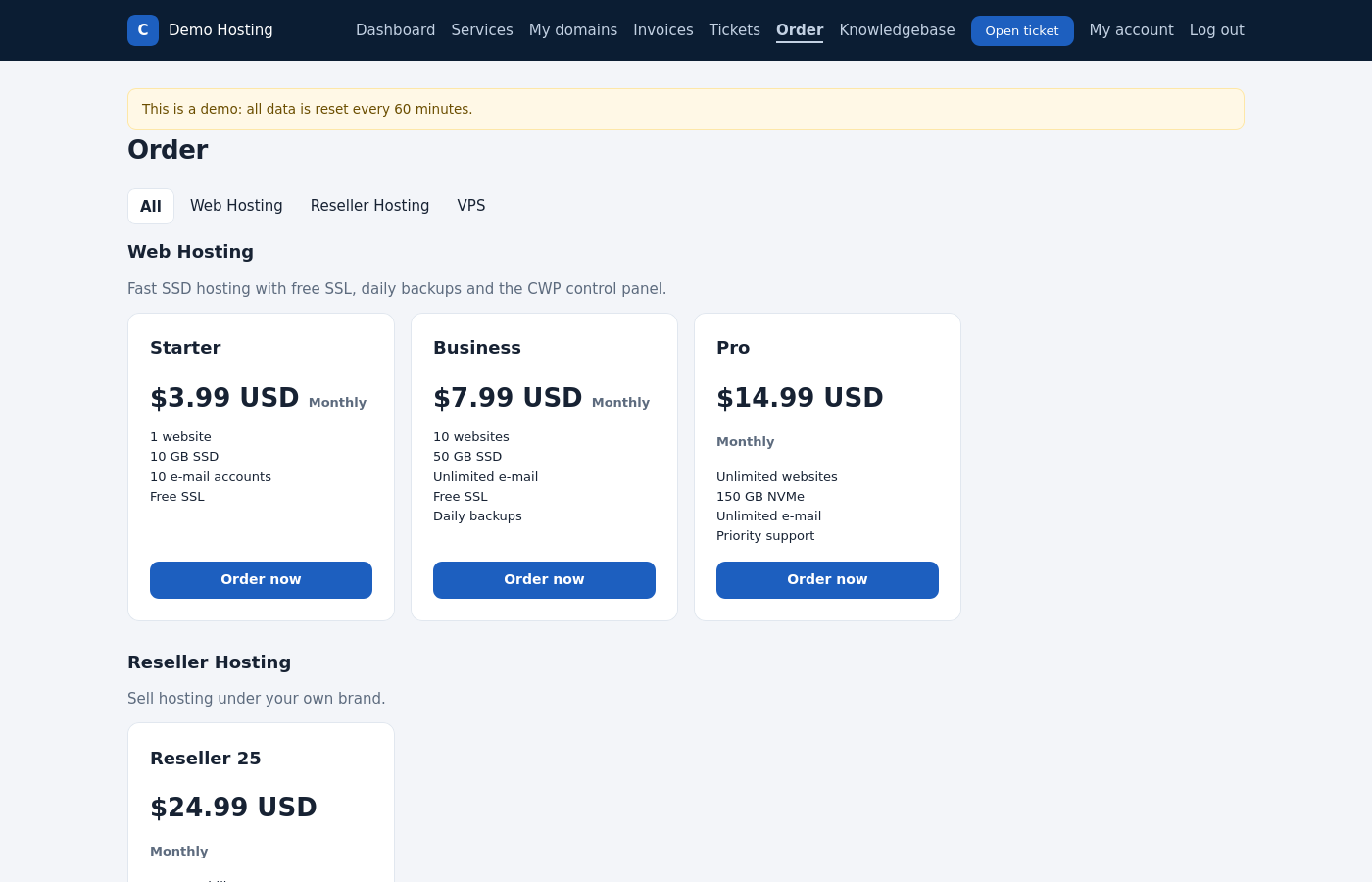
What clients see
| Page | Address |
|---|---|
| Dashboard | / |
| Store / order | /store, /store/<product id> |
| Services, domains, invoices, tickets | /services, /domains, /invoices, /tickets |
| Open a ticket (also guests) | /tickets/new |
| Contact form | /contact |
| Knowledgebase, announcements | /knowledgebase, /announcements |
| Status page | /status |
| Affiliate program | /affiliates |
Clients manage these themselves:
- their profile, password and 2FA;
- users of the account;
- saved cards;
- the e-mail history;
- whether they receive general e-mails.
Themes
A theme changes the look of the client area without touching the application. The admin area is not themed.
themes/<name>/
  theme.php        theme settings (brand, menu links, footer columns)
  views/           overrides any template from views/ with the same path, e.g.
                   views/layout/client.php   page frame (header, footer)
                   views/client/login.php    login page
  assets/          CSS, fonts and images
lang/<code>.php extra or changed translations- Create
themes/mytheme/. - Copy
views/layout/client.phptothemes/mytheme/views/layout/client.phpand change it. - Add
themes/mytheme/assets/theme.css, and link it in the layout withTheme::asset('theme.css'). - Set
'theme' => 'mytheme'inconfig/config.php. - Run
php bin/console theme:publish. It copies the assets to the web root.
Rules:
- Print every value with
e()and every visible text witht(), so it stays safe and translatable. - Inline
<script>andstyle=""attributes are blocked by the Content Security Policy. Put styles in the theme CSS. - After an update, compare your overridden templates with the new
views/files.
Languages
These languages are included and enabled by the installer:
| Language | Code | Language | Code |
|---|---|---|---|
| English | en | Italian | it |
| German | de | Portuguese (Brazil) | pt |
| Spanish | es | Russian | ru |
| French | fr | Turkish | tr |
| Croatian | hr | | |
- Clients choose the language in the footer. Otherwise the browser language is used. E-mails use the client’s E-mail language.
- Enabled languages are set in config.php:
'languages' => ['en', 'de', ...]and'default_language' => 'en'. - Change a text:
lang/<code>.php. The English text is the key. For a theme, usethemes/<name>/lang/<code>.php, which survives updates. - Add a language: copy
lang/de.phptolang/<code>.phpandlang/emails/de.phptolang/emails/<code>.php, translate the values, and add the code tolanguages. - E-mail texts can also be edited in the admin area under E-mail templates.
Brands
One installation can serve several brands, for example two hosting companies with their own sites. A brand has its own:
- name and host name;
- client area URL;
- theme;
- e-mail sender;
- company details on invoices (legal name, address, tax ID, bank details, footer).
Brands → Add brand. Point the brand’s host name to the same installation. Web pages use the brand of the host name. E-mails and invoice PDFs use the client’s brand (field Brand on the client). Without brands, everything uses config.php and the settings.
Knowledgebase and announcements
Knowledgebase: categories and articles, shown at /knowledgebase. Announcements: news for your clients at /announcements.
Status page
Status page shows the components of your service, for example servers, the website and mail, with their status and uptime:
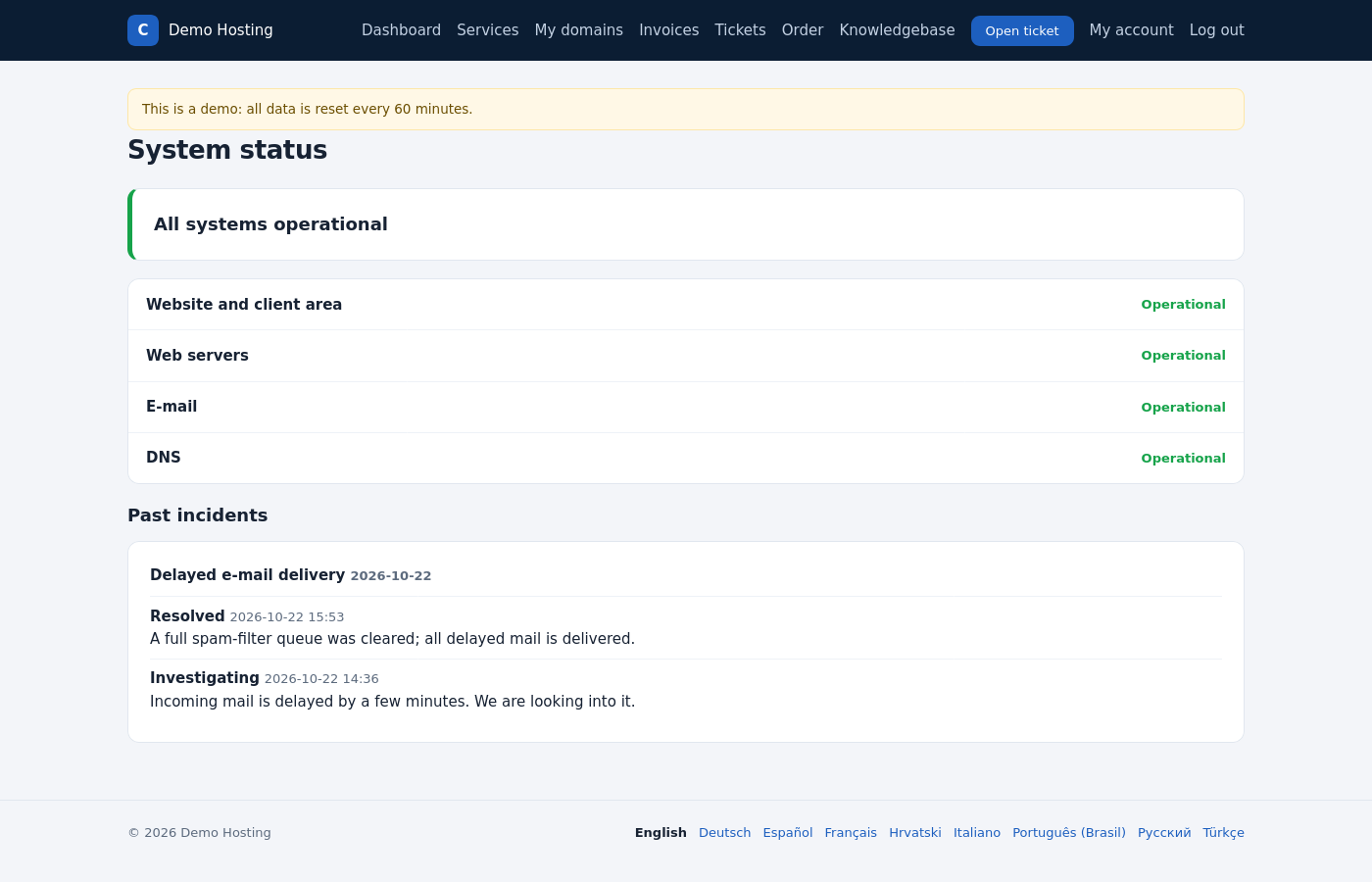
- Monitor: HTTP (2xx/3xx, optionally a text that the answer must contain) or TCP (port open), checked every 5 minutes. Two failures in a row mean major outage, and the next success means operational.
- Staff can set a status by hand. The monitor then leaves that component alone.
- Post incidents and planned maintenance with updates.
- A ticket can be opened in a chosen department when a monitor changes.
Affiliate program
Enable it in Billing settings (percentage, delay days, minimum payout, cookie days).
- A client activates it and gets a link (
aff.php?aff=<id>). - Services ordered by visitors within the cookie days are linked to the affiliate.
- Every paid invoice of such a service earns a commission. The commission is set per product, per affiliate, or as the default percentage.
- The commission becomes available after the delay days.
- Payouts are requested as a ticket. Affiliates shows the referrals, the commissions and the payouts.
Common problems
| Problem | Cause and solution |
|---|---|
| Theme changes are not visible | Run php bin/console theme:publish and reload with the cache cleared. Check public_dir in config.php. |
| A text is still in English | It has no translation in lang/<code>.php yet. Add it with the English text as the key. |
| A brand shows the default look | The host name of the brand does not match exactly (with or without www). |